
Updated 2/4/2021
Please note, the Hub application is under active development. As such, text and screenshots may quickly become out of date. If you have any questions about current Hub functionality, please reach out to your Hub contact directly.
The Workflow History tab allows the user to view the workflow history for a given project. This page displays all of the different stages of workflow that the project has already been through.
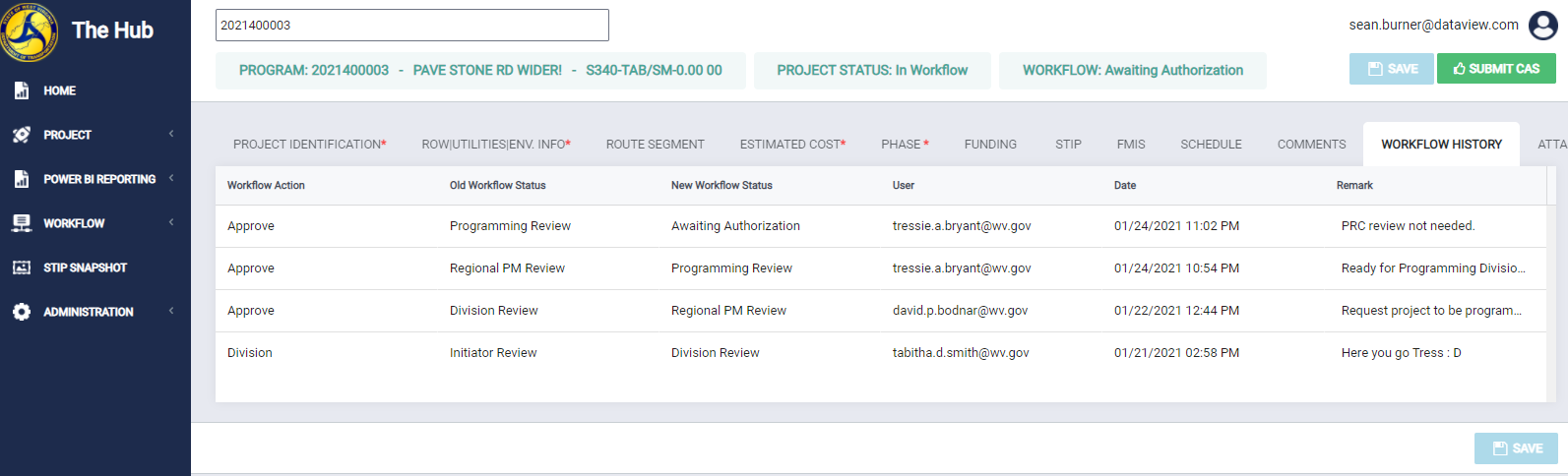
Navigate to the Workflow History tab
To navigate to this tab, click Workflow History on the tab strip within a project.
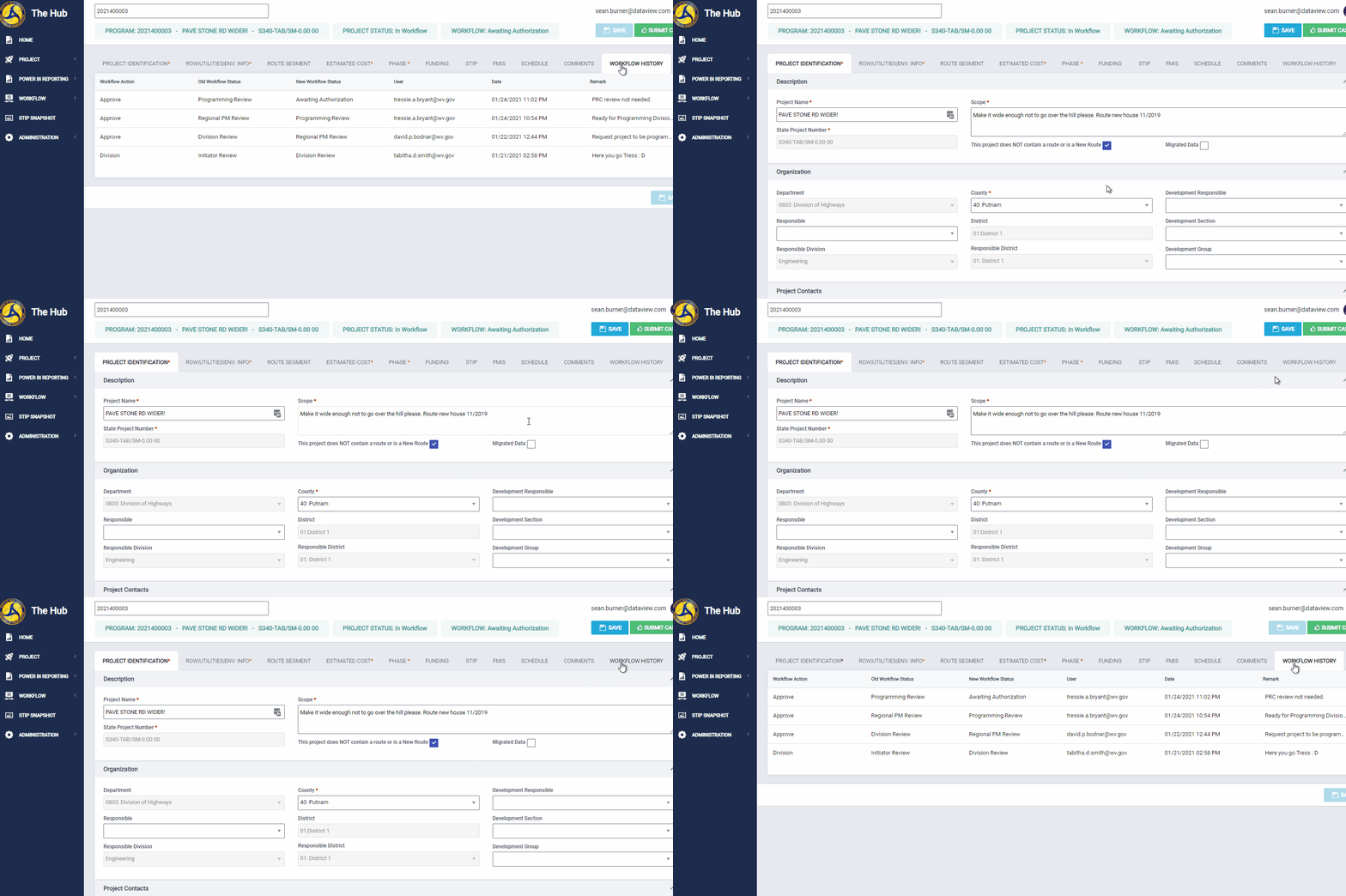
Tab Layout:
The Workflow History tab presents the user with the following:
- Workflow Action of Reject/ Approve
- Old Workflow Status
- New Workflow Status
- User who performed the workflow action
- Date of workflow action
- Remark
Comments
0 comments
Please sign in to leave a comment.