
Last updated: 2/4/2021
Please note, the Hub application is under active development. As such, text and screenshots may quickly become out of date. If you have any questions about current Hub functionality, please reach out to your Hub contact directly.
Use the ROW, Utilities, Env. Info tab for answering project questions related to Right of Way (ROW), Utilities and Environment, Permits, and Traffic Control. Project Initiators must fill out this information before submission to the Project Authorization Workflow.
Navigate to the ROW|Utilities|Info tab.
To navigate to this tab, click the ROW|Utilities|Info tab on the tab strip within a project.
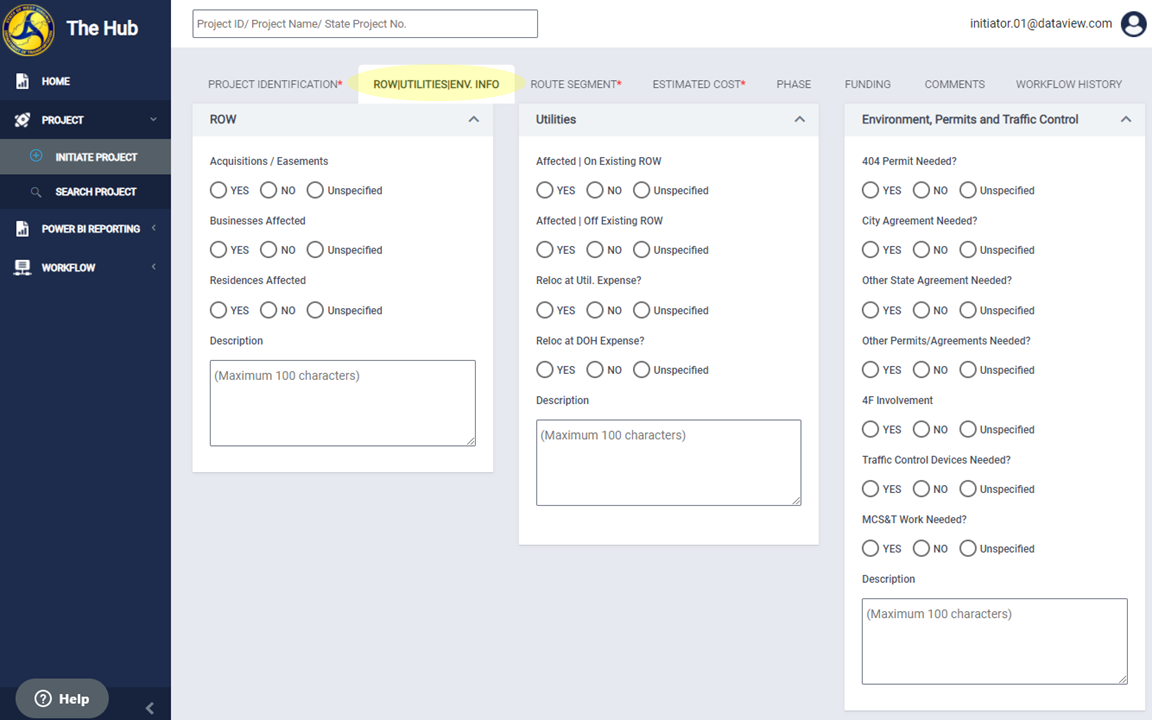
Add Project Right of Way (ROW), Utilities, and Environment, Permits, and Traffic Control Information
This screen has three sections:
- ROW
- Utilities
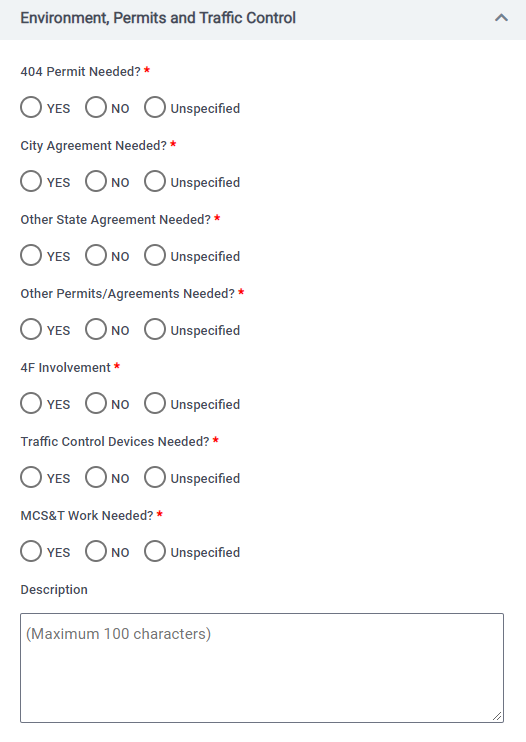
- Environment, Permits, and Traffic Control
Asterisks "*" show the required fields. These fields must have a selection of 'Yes', 'No', or 'Unspecified'. Projects that do not have all required fields marked will not submit to the workflow.
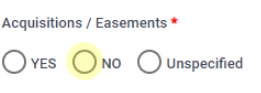
Mark a selection by clicking the empty radio button next to the selection
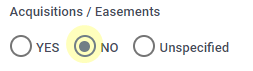
A small, solid, circle indicates a marked selection.
ROW (Right-of-Way)
Required field(s):
- Acquisitions / Easements
- Businesses Affected
- Residences Affected
Optional field(s):
- Description (limited to 100 characters)

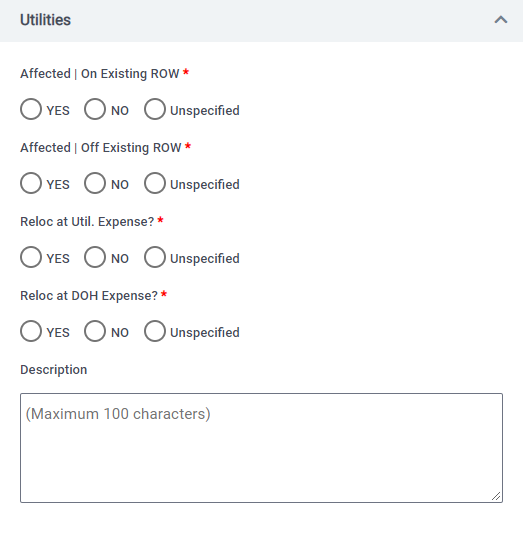
Utilities
Required field(s):
- Affected | On Existing ROW
- Affected | Off Existing ROW
- Reloc at Util. Expense?
- Reloc at DOH Expenses
Optional field(s):
- Description (limited to 100 characters)
Environment, Permits, and Traffic Control
Required field(s):
- 404 Permit Needed?
- City Agreement Needed?
- Other State Agreement Needed?
- Other Permits/Agreements Needed?
- 4F Involvement
- Traffic Control Devices Needed?
- MCS&T Work Needed?
Optional field(s):
- Description
Comments
0 comments
Please sign in to leave a comment.