
Updated 6/09/2021
Please note, the Hub application is under active development. As such, text and screenshots may quickly become out of date. If you have any questions about current Hub functionality, please reach out to your Hub contact directly.
The Data Maintenance Page provides users with the hub.administrator to add or modify reference table values used in the Hub.
Navigating to the Data Maintenance Page
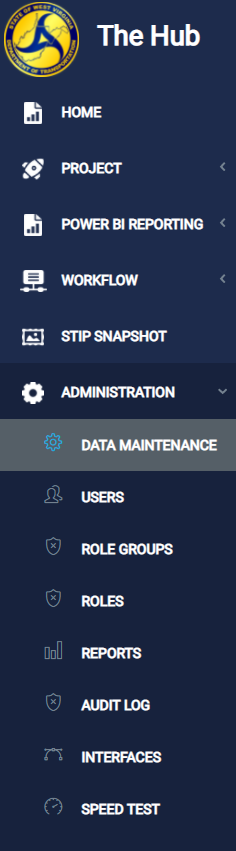
Users with the appropriate role can navigate to the Data Maintenance Page from the left-side menu by clicking Administration -> Data Maintenance.
Selecting a reference table
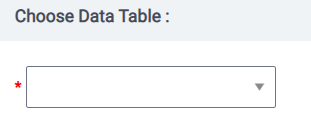
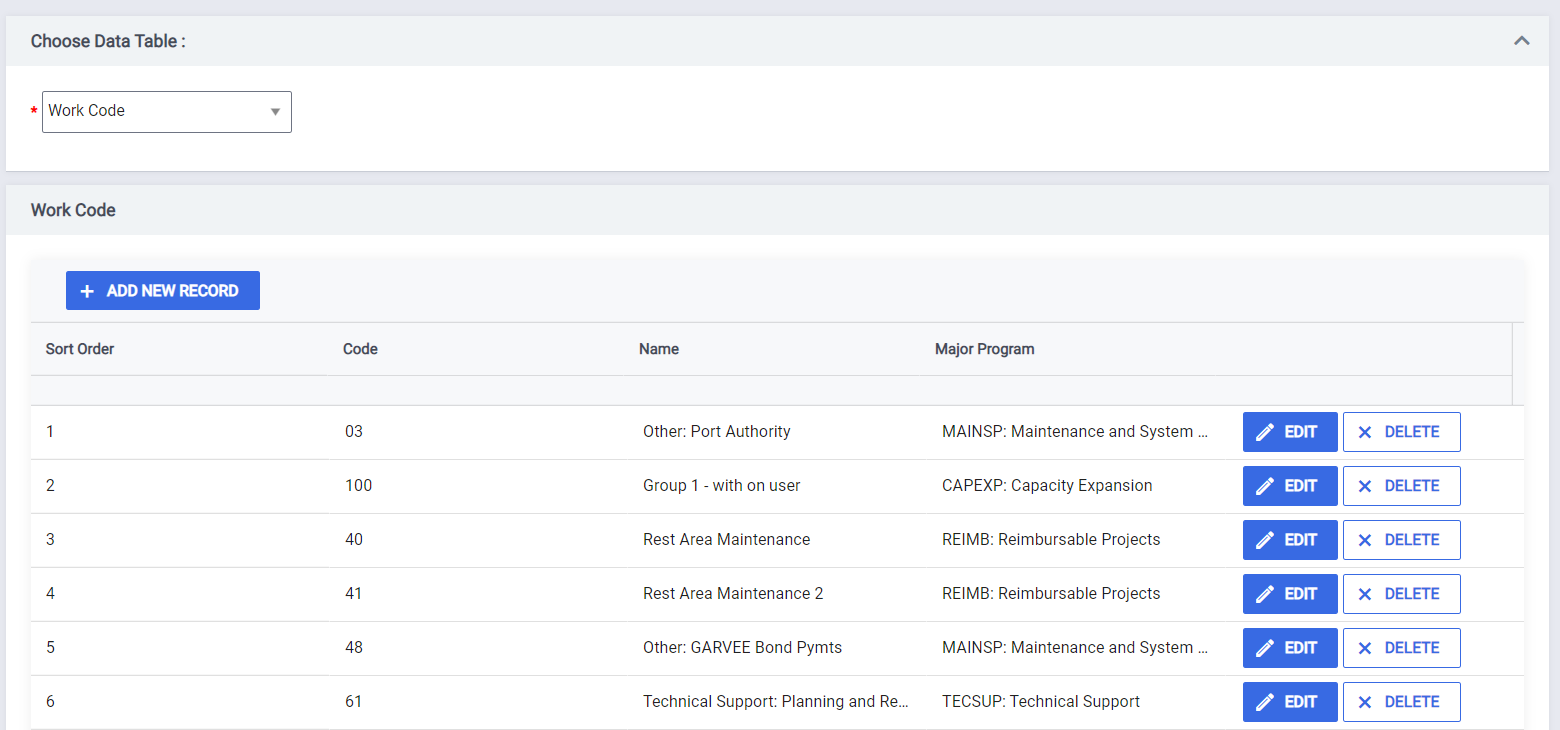
The Data Maintenance page presents a "Choose Data Table" dropdown. All reference tables that can be modified are available in the dropdown. Selecting a reference table will refresh the grid below with the values present in that table.
Adding a new record
To add a new record, click the  button. Once clicked, a new row will be added to the top of the grid.
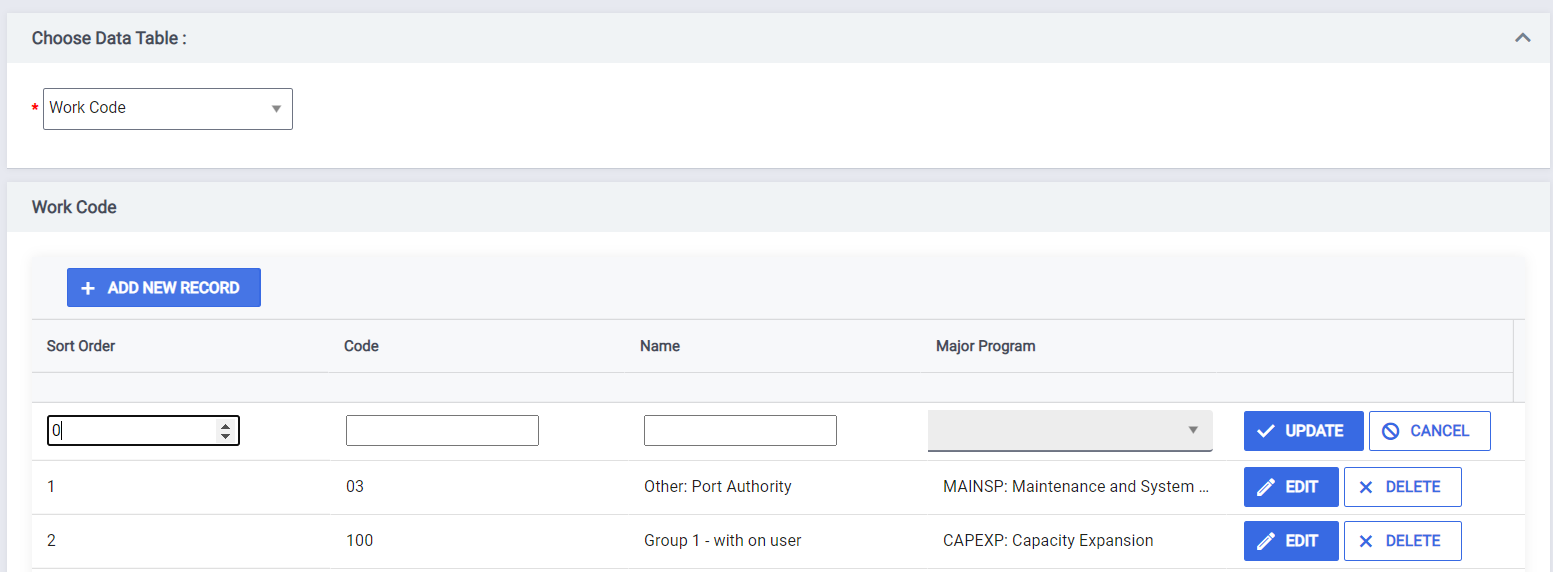
Edit the record with the desired information by typing in to the blank fields. Some values crosswalk to other reference table values, like the example below. Crosswalk values are presented as a selectable dropdown. Once all selections have been made, click the  button to save your changes.
If you have decided that you don't want to add a new record, click the  button. Your changes will not be saved.

Editing a record
Editing a record follows a similar process as Adding a record. To start editing a record, click the  button. Edit the existing values with the desired information by typing in to the fields. Like above, some values crosswalk to other reference table values. Crosswalk values are presented as a selectable dropdown.

Once all selections have been made, click the button to save your changes.
If you have decided that you don't want to add a new record, click the button. Your changes will not be saved.
Sorting a record
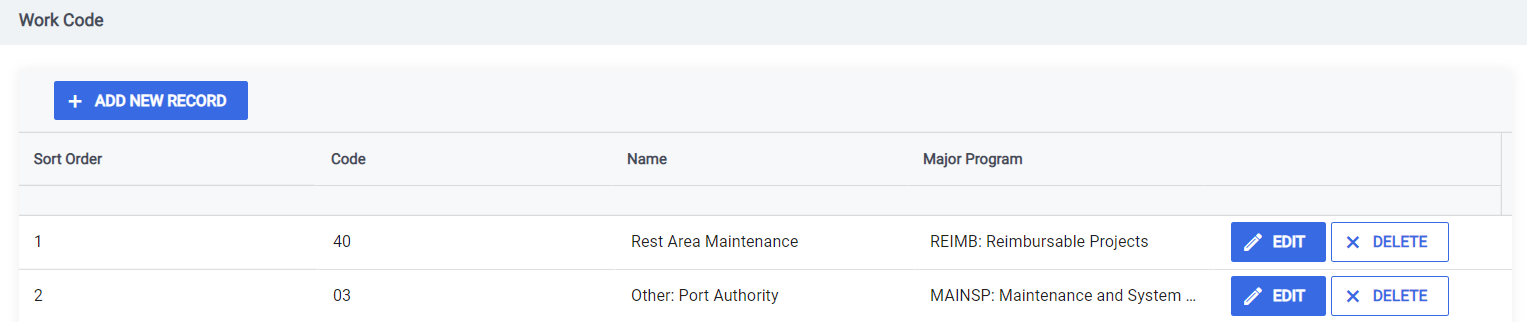
To change the sort order of a record, edit an existing or add a new record. In the sort order column, add your desired sort position. Upon update, the record will be inserted in to that position and all other records will shift down by one. If the user enters a sort order value larger than the number of records in the table, then the record will automatically be added to the end of the reference table.
Before Sort

Updating "Other: Port Authority" to sort order 2

After updating "Other: Port Authority" to sort order 2
Comments
0 comments
Please sign in to leave a comment.